







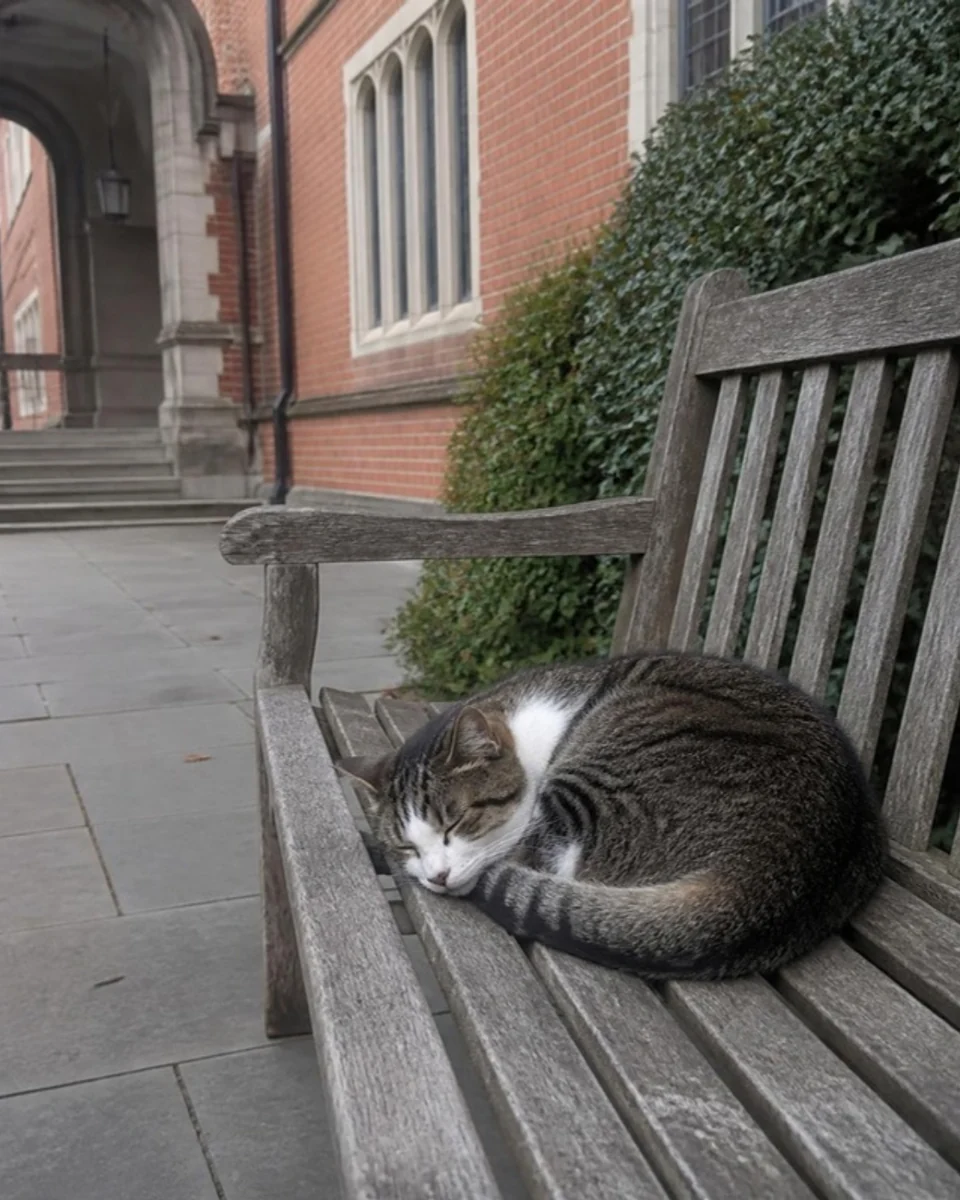
The bench cat outside the Arts building chose me today
Sam
Tools on UniMatcha
What we’re building
How a week works
Swiping all night leaves you with faces, not people. See fewer, see clearly — and the phone is live, so try it as you read.
Interactive preview of the Unimatcha app, with sample content.
Hold to wake Mochii
Join this week’s pool. Mochii keeps an eye out for you.
This Week’s Match
Alex
Film photography, late-night noodles and long walks along the canal.
Both tap “Confirm” in chat within 48h to lock it in.
Friend Candidates
Both tap “Confirm” in chat within 48h to lock it in.
Mia
Badminton most evenings, board games most weekends.
Arjun
Climbing wall regular. Jazz on Thursdays.
Zara
Old films, strong coffee.
Sam
Weekend hikes, weekday baking.
Tom
Rowing at dawn, gaming at night.
Tell a friend where you’re going and who you’re meeting.More safety tips
Finish your match profile
Each questionnaire unlocks its own matching. Both are optional.
Before you start
The questions ahead are direct and personal — be ready. No offence is intended: honest answers simply make your matches better. Everything you answer is strictly confidential and never shown to anyone. Go with your first instinct.
Confirm as partnersConfirm as friends
Alex
Become partners with them?Become friends with them?
PartnerFriend
Alex
You are togetherYou are friends now
Say hello properly. Your couple space and anniversaries are unlocked too. You can end it any time from the conversation details.Say hello properly. You can end it any time from the conversation details.
Illustrative preview · sample content
Press and hold for about half a second — or hold Space or Enter — to wake Mochii and join this week’s pool. Hold again to send it back to sleep. This is a demo; nothing is submitted.
Next reveal in
Round第10轮
No rush, no head starts. Everyone’s results land at the same moment, wherever you are — then you have 48 hours to talk before you both decide.
Enhanced Mode
Want more certainty this round? Turn on Enhanced Mode as you join the pool. It doesn’t promise a match — which is why the refund rules are built into every round.
Enhanced Mode
Make Mochii search harder
5 sugar cubes this round
At most one person a round
So the price is fixed — nothing to pick.
5 sugar cubes a round · fully refunded if there is no match
1 cube per friend · any shortfall refunded
You confirm every time — nothing is charged silently.
Sugar cubes can’t be cashed out
Use Enhanced this round?
5sugar cubes
Cost of Enhanced this round
Mochii works harder for you this round.Fully refunded if no match this round.
The Square · Campus wall
Union notices, events, polls, rants and second-hand deals — out of the group chats and onto one wall that belongs to your school, anonymous when you want. Then widen the view: Recommend, Nearby, and every other campus in Explore.
The bench cat outside the Arts building chose me today

Rainy Sunday, window seat, one chapter to go


9am Stats study group before midterms?

Golden hour on the lawn. No filter.

Weekend crew: two spots open
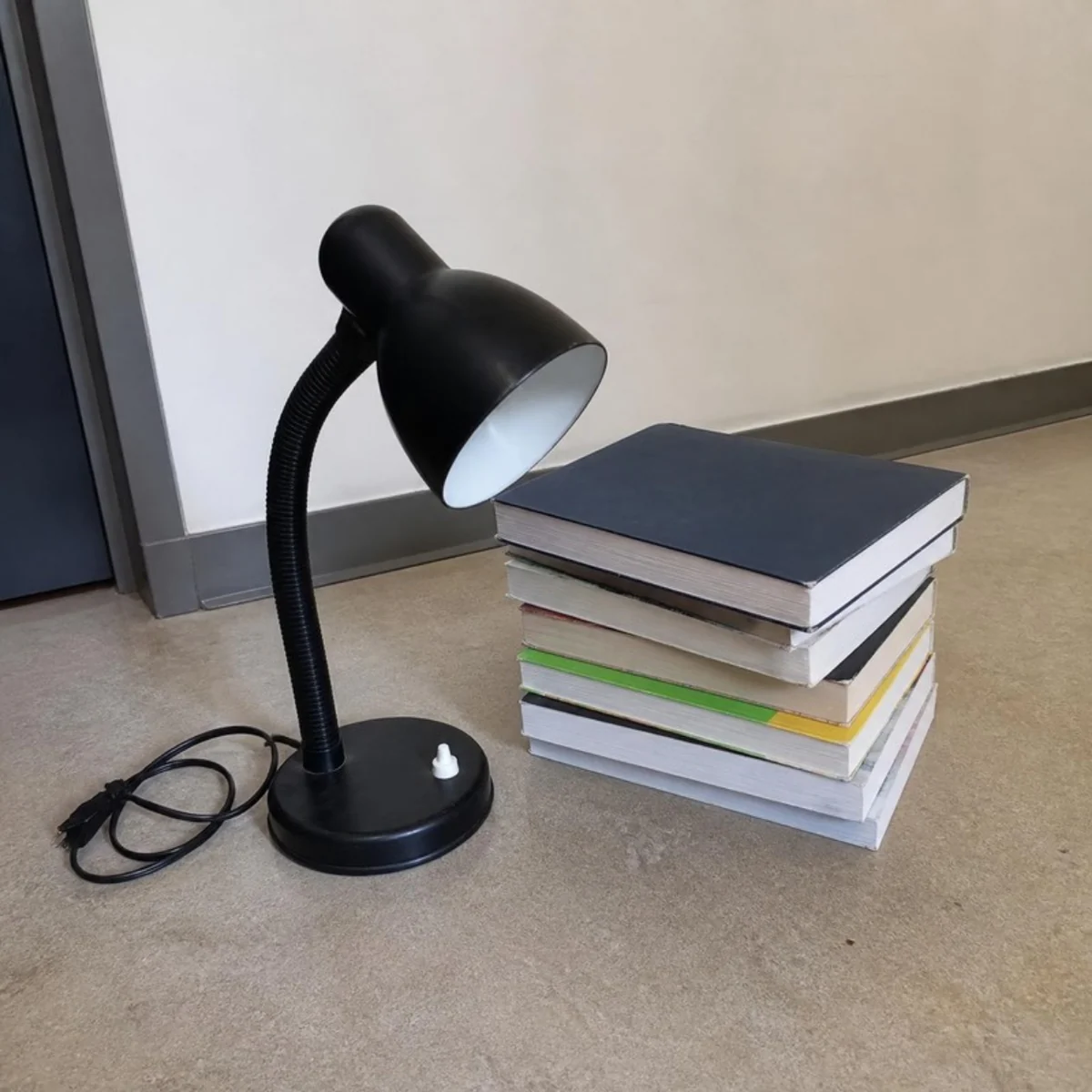
Desk lamp + first-year textbooks, £12 the lot
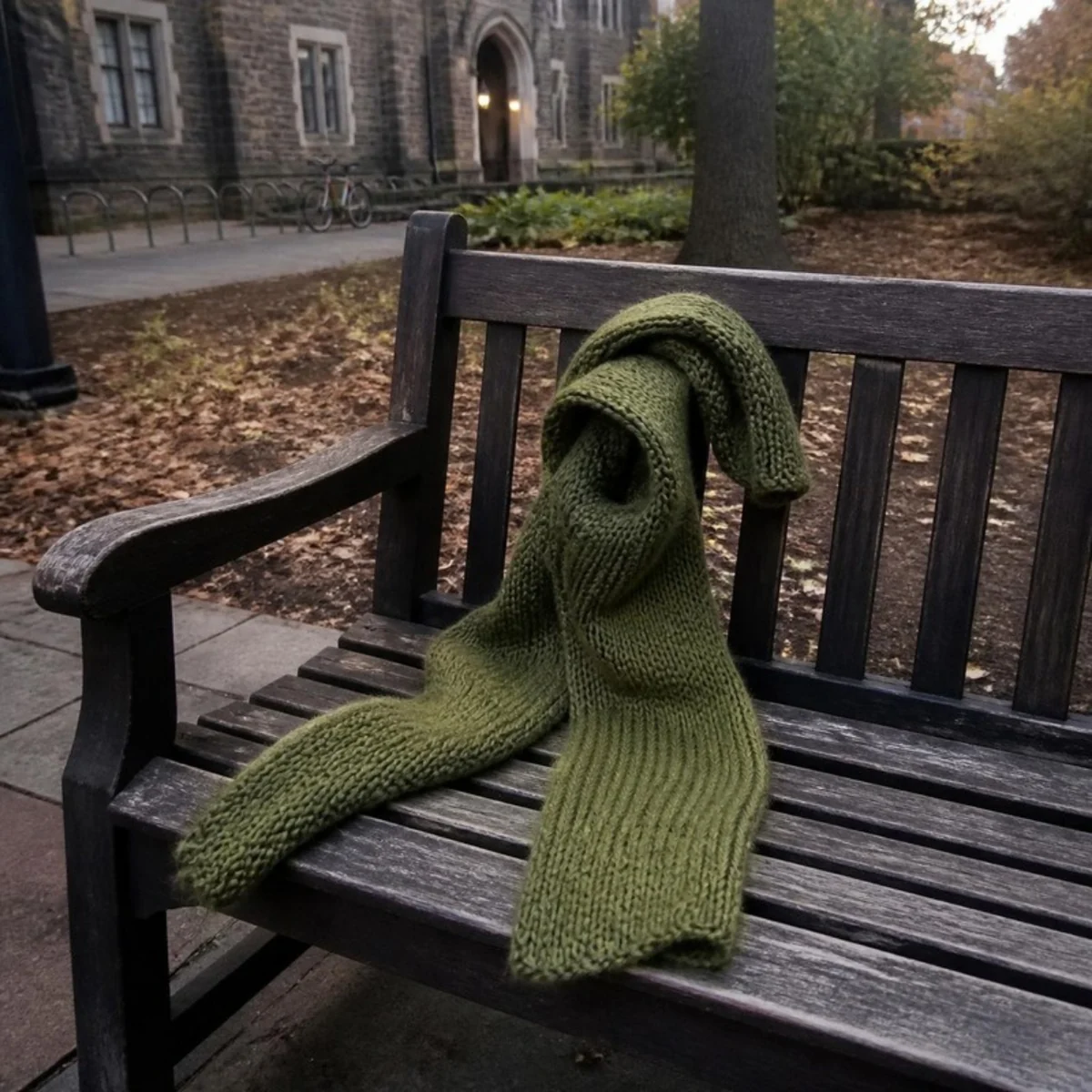
Lost & found: green knitted scarf
Unpopular opinion: 8am lectures are the best lectures.
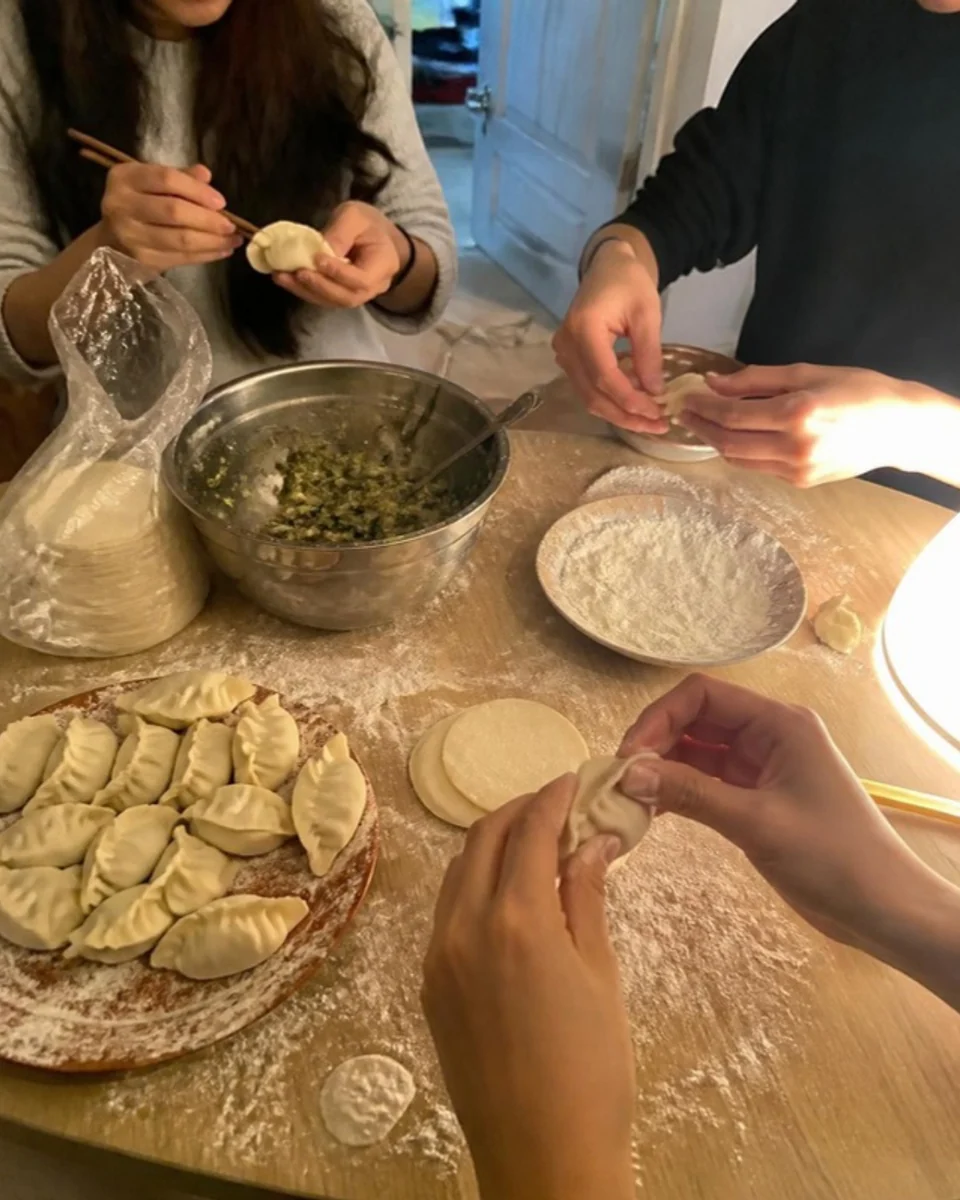
Dumpling night in the Block C kitchen
Lost & found: green knitted scarf
9am Stats study group before midterms?
The bench cat outside the Arts building chose me today
Three books for a fiver at the Mill Lane bookshop.
Golden hour on the lawn. No filter.
Rainy Sunday, window seat, one chapter to go
Weekend crew: two spots open
Coast day trip on Saturday, two seats left in the car.
Your location is only requested when you open Nearby.
Pick a school
Pick a school to peek at its wall
Browse freely. To post or comment there, get verified first.
 Read-only
20m ago
Five-a-side on Wednesday evening, two players short. Any level welcome.
1h agoWhich café on campus stays open latest during exams?
Library goes 24/7 from Monday
Exam-season hours start next week. Bring your student card after 10pm, and please keep the silent floors silent.
12m ago
Dumpling night in the Block C kitchen
Made sixty, ate fifty-eight. Same time next Friday if you want to learn the fold.
2h agoWhere should the end-of-term social be?
142 votes
38m agoTo whoever microwaves fish in the Level 3 kitchen every lunchtime: we need to talk.
Desk lamp + first-year textbooks, £12 the lot
Moving out early. Pick-up on campus this week, just message me.
3h ago
Lost & found: green knitted scarf
It was on the bench outside the Maths building this morning. Looks hand-made — it’s at the library front desk now.
5h ago
9am Stats study group before midterms?
Library, Level 2. Bring questions, leave with answers.
8h ago
Weekend crew: two spots open
Last term: a hike, punting, board-game nights and far too much bubble tea. Any course, any year.
Is it weird to ask someone from my seminar for coffee after one good conversation?
Illustrative preview · sample content
Anonymous means anonymous to other students, not to the platform: reports are reviewed by people, and rule-breaking posts are removed.
Events & tickets
No sign-up sheets, no list at the door. Every event your union posts already looks like a ticket — date, venue, price, and how many are left.
Posted to your campus wall only
Student unions publish from their admin console, and the event lands on their own campus wall already shaped like a ticket.
Paid events cost sugar cubes; free ones you simply claim. You always confirm before any cubes are spent, and there’s a limit of 2 per person.
The ticket goes straight into My Tickets. At the entrance, staff scan your QR with a camera, and each ticket checks in once.
On iPhone, add the ticket to Apple Wallet, complete with the event banner, ready to show at the door.
If an event is cancelled, your cubes come back automatically.
Sugar cubes & events FAQAfter you match
Days together, how you each feel today, what you’re craving, what you’re both up to — and a calendar that already knows the day you got together, every hundredth day and both your birthdays.
You & Alex
Film photography, late-night noodles and long walks along the canal.
Pick one — your partner sees it on their side right away.
Birthdays, milestones, cravings, moods and plans — all on one calendar. Tap a day.
The day you got together, one month, six months, every hundredth day and both birthdays are marked here automatically.
Anything you add here also lands on the calendar.
Tap something you craved before to pick it again.
Bubble tea
Hotpot
Privacy & safety
That covers your basic info, posts and photos; your nickname, avatar and school still show. The full profile is only for people you’ve confirmed.
Profile visibility
Applies to everyone you haven’t confirmed with.
Partners and friends you’ve confirmed always see your full profile.
Who’s looking
Someone who tapped your avatar on the Square. This week’s match, before you’ve both confirmed. A partner or friend you’ve both confirmed. They see everything.
Alex
University College London
Signature
Always up for a museum late.
Age
20y/o
MaleMBTI
ENFJ
City
London
Major
Architecture
Real name
Visible after you both confirm
Alex Chen
24
 Roll 12 is back from the lab.Alex11
 Midnight noodles. Anyone still up?Alex9
The school badge appears only after optional student verification, reviewed by a person.
Illustrative preview
What actually gets sent
Sent to them
Stays on our server
Nothing. They see everything.
Blurred profile fields stay on our server. What shows under the blur is a placeholder, not the real profile. The match card is the exception: your weekly match sees your match details.
Your real name appears only after you both confirm. Until then, even your match sees a lock.
Anonymous posts hide who you are from other students. The platform can still trace abuse and act on it.
Report a post, a comment or a person and our team reviews it by hand. Block someone and you disappear from each other’s Square, comments and matching.
For student unions · Sponsorship
Unions and societies make a campus feel alive — yet however many posters go up, it’s the same faces. We give you a free console, and we back the work you do for your students.
Illustrative preview
Pin what everyone should see and keep your wall in good shape.
Freshers’ fair moves to the Great Hall, Sat 11:00
PinnedStudent union
Film Society: free screening at 7pm
PinnedFilm Society
Poll: where should the winter market go?
PinnedAnonymous · 128 votes
Tap a pin to pin or unpin a post
Publish an event, sell tickets in sugar cubes or give them away, scan QR codes at the door.
Autumn Social
Fri 19:00 · Great Hall
3 sugar cubes
Ready to scan
Ads aimed at your campus need your union’s approval before they go live.
Sponsorship
Support can take many shapes.
The details are best worked out in a conversation.
In their words
Get the app
The web app is open today. The iPhone app is in beta on TestFlight, and the App Store is next.

Runs in any phone or computer browser — nothing to download. Add it to your home screen and it opens full-screen, just like an app.
On a computer? Scan with your phone to open it there.app.unimatcha.ai
The iPhone app is in beta testing on TestFlight, and the App Store release is coming soon. Until then, use the web app on your iPhone.
App Store · coming soon
There’s no Android app yet — and you don’t need one. Open the web app in Chrome, add it to your home screen, and it works like an app.
Three steps. After that it opens from your home screen, full-screen, with no address bar.
Leave your email and we’ll write when the iPhone app lands on the App Store.
Want launch news? Email contact@unimatcha.ai and we’ll add you to the list.
You’re on the list.
When there’s launch news, we’ll write to .有上线消息时,我们会写信到 。
FAQ
The five we hear most. Everything else lives in the Help Centre.
Still wondering? Write to us at contact@unimatcha.ai
Every Friday, for everyone at the same moment. In your time zone that’s Friday (Fri 20:00 UK time). To take part, hold to wake Mochii and join that week’s pool; once results land, you both have 48 hours to confirm in chat.
They’re two separate modes, each with its own questionnaire. Dating looks for a partner — at most one person a round. Friend looks for friends — up to five a round. Either way, it only counts once you both confirm in chat within 48 hours.
Joining a round is free. Sugar cubes are optional — Unimatcha’s only currency, used for Enhanced Mode and campus event tickets. Enhanced Mode makes Mochii search harder: 5 cubes a round in Dating, fully refunded if there’s no match; in Friend, 1 cube for each friend you want it to cover (1–5), with any shortfall refunded. You confirm every time, so nothing is charged silently. Cubes can’t be cashed out.
No — verification is optional, and you can sign up with any email. Your own school’s wall works without it. If you do verify, with a photo of your student card and a code sent to your university email, a person reviews it; once approved, a school badge appears next to your name and you can join in on other schools’ walls.
In your browser, today: the web app is open at app.unimatcha.ai on any phone or computer — add it to your home screen and it opens like an app. The iPhone app is in beta on TestFlight, with the App Store release coming soon. There’s no Android app; on Android, use the web app.